Clear retained MQTT messages
Right-click any topic to copy its path or payload, export its history, or clear retained messages for one topic or a whole branch.
Try it in MQTT Viewer
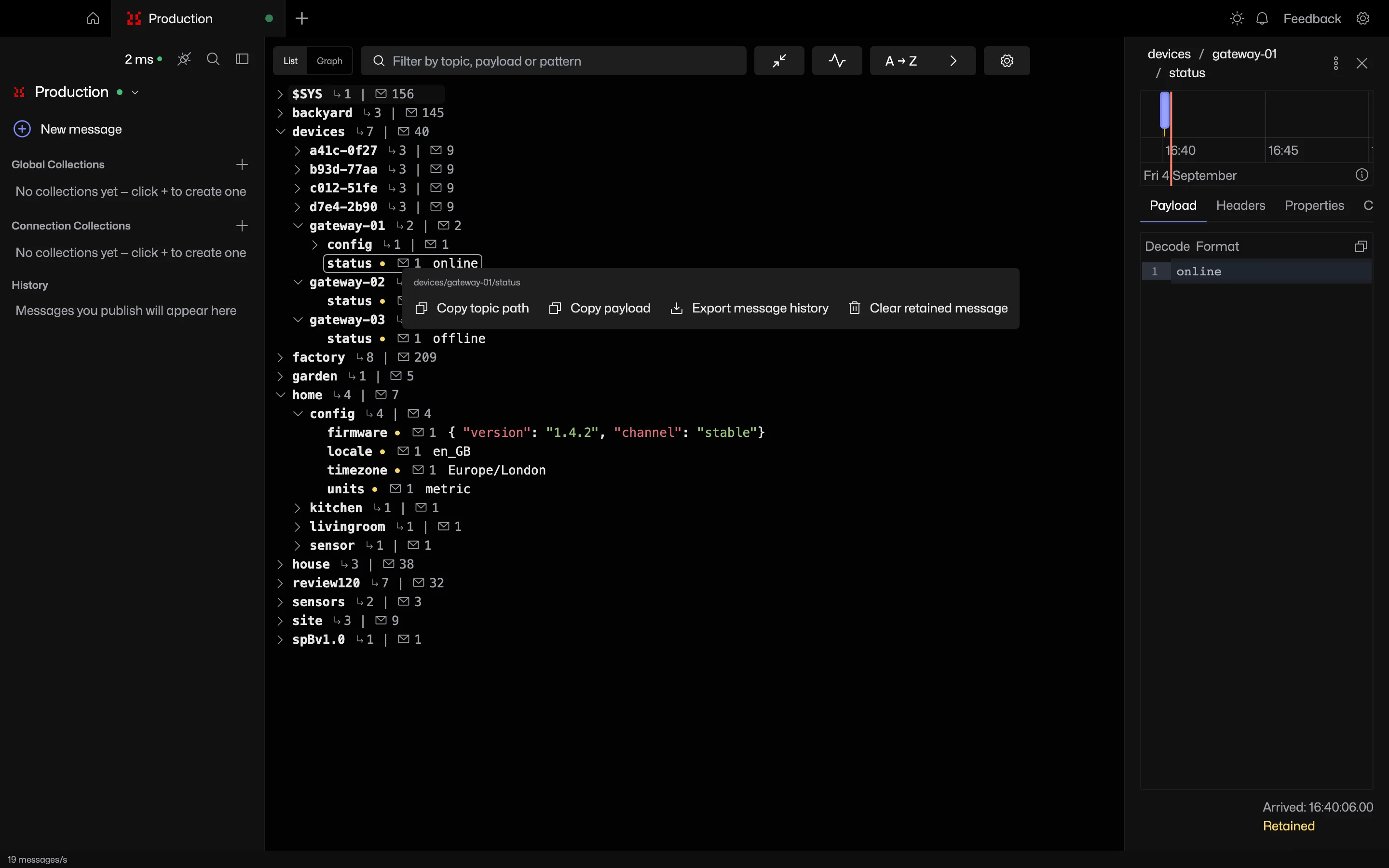
Retained topics are tracked
Retained topics carry a marker in the tree and the graph. The index is built from the retain flag as messages arrive and rebuilt on every reconnect.
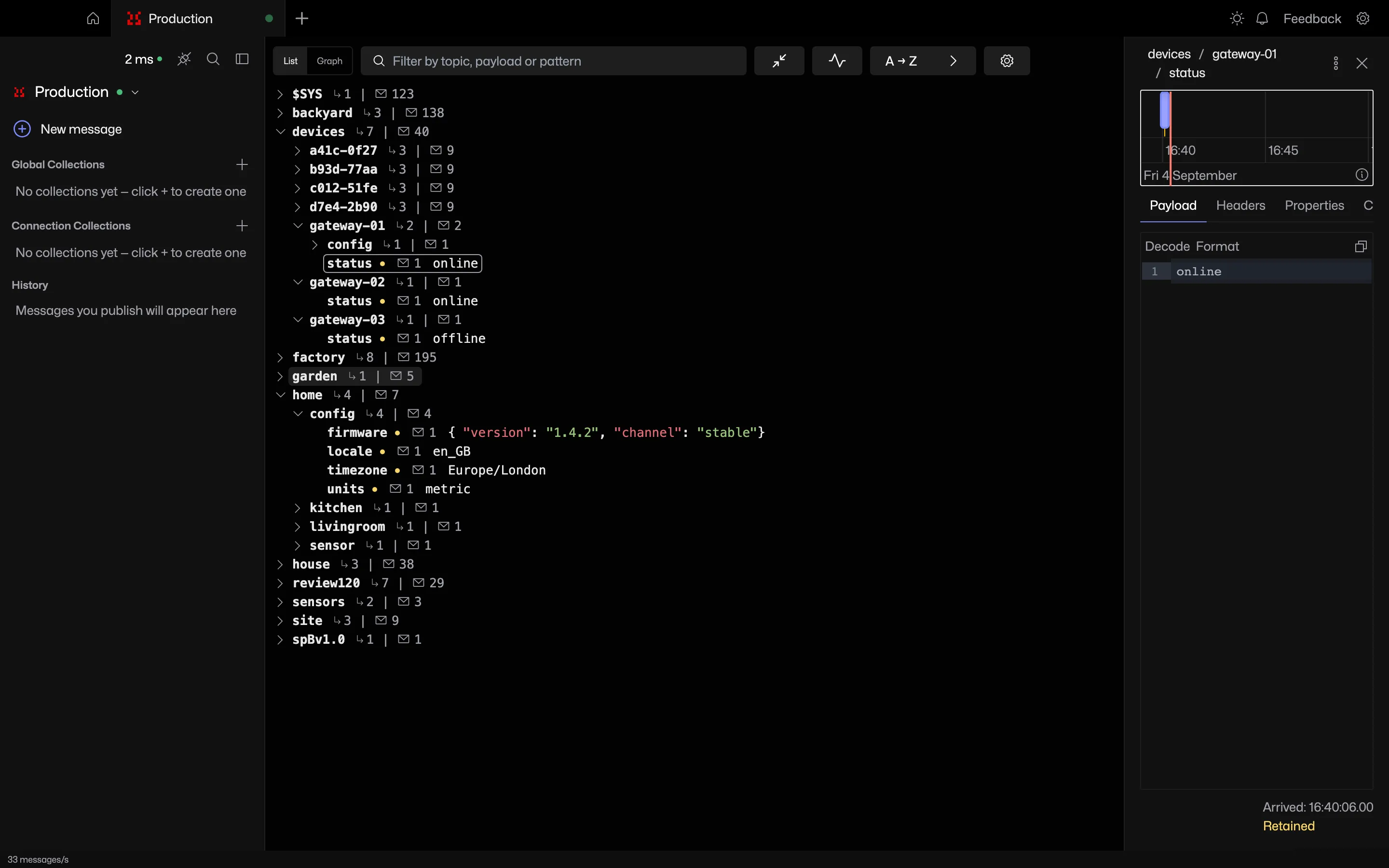
Clear one topic or a whole branch
Clear retained message publishes an empty retained payload to that topic. Clear retained messages below does the same for every known retained message beneath a branch.
The confirmation states how many messages will be cleared.
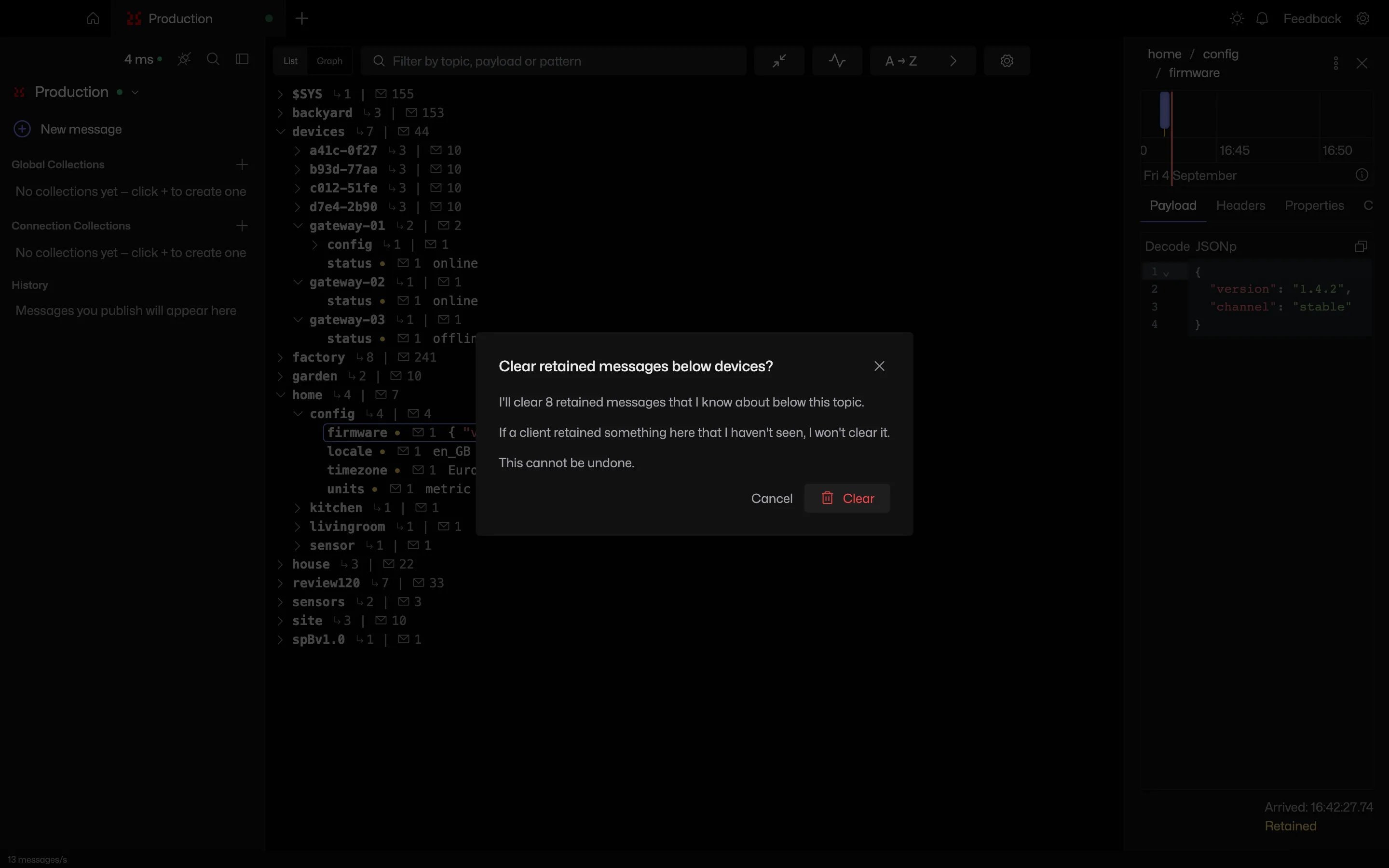
What the count does not include
The index is what this client has seen, not the broker's full state. On MQTT 3 the retain flag only arrives with the replay at subscribe time, so a message retained mid-session can be missed. On MQTT 5 the flag arrives on every retained publish.
Copy and export
Copy topic path and Copy payload put the current values on the clipboard. Export message history writes the held history to a file.
Frequently asked questions
How do you clear a retained MQTT message?
Publish an empty payload with the retain flag to the same topic and the broker drops the stored message. MQTT Viewer does this from the topic menu, for one topic or every known retained topic below a branch. See the retained messages guide.
Can MQTT Viewer clear all retained messages on a broker?
Clear retained messages below clears every retained message the app has seen beneath a branch. MQTT has no broker-wide delete, so each topic gets its own empty retained publish.
Related features
MQTT Viewer is free and open source, and runs on macOS, Windows and Linux.
Download MQTT Viewer