Dockable MQTT topic panel
Selecting a topic opens a panel with its payload, timeline, comparison and chart tabs. Dock it on the right, along the bottom, or move it into its own window.
Try it in MQTT Viewer
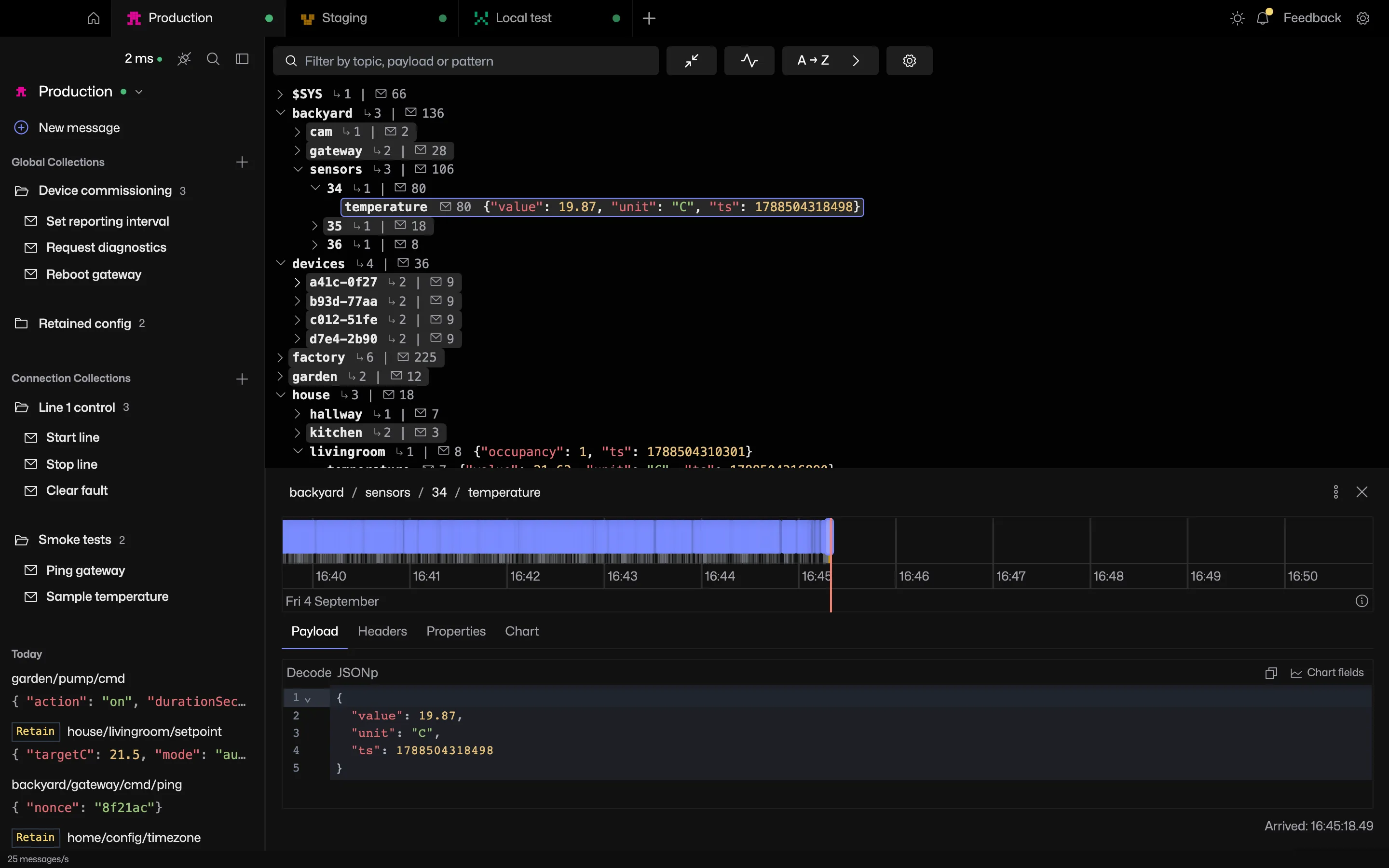
Dock right, dock bottom or open in a window
- Dock right, the default.
- Dock bottom. The tree keeps the full height.
- Open in window. Follows topic selection in the main window.
What's in the panel
The payload tab shows the latest message with the message timeline below it. The compare tab diffs the message against the previous one. The chart tab plots numeric fields.
Related features
MQTT Viewer is free and open source, and runs on macOS, Windows and Linux.
Download MQTT Viewer