Inspect and compare MQTT messages
Read a received payload and compare it with the previous message on that topic.
Before you start
Use a subscribed topic with at least two received messages to compare. The screenshots use a disposable MQTT 5 publisher sending JSON.
1. Select a topic
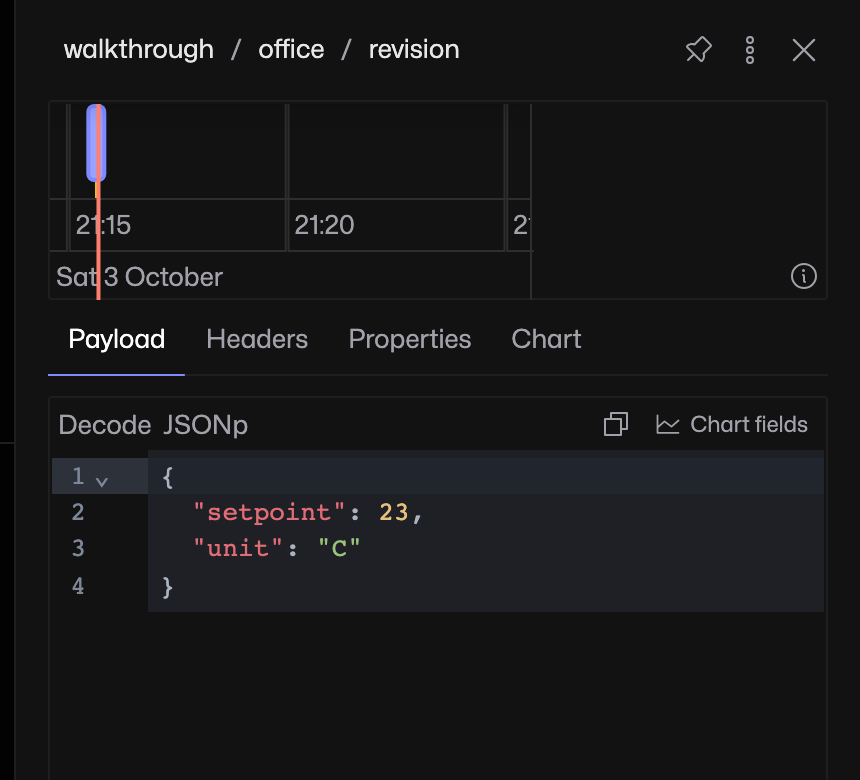
In List, expand a branch and select a topic. Its panel shows the payload and message timeline. This example receives three setpoint values in order: 21, 22 and 23.
2. Compare the previous message
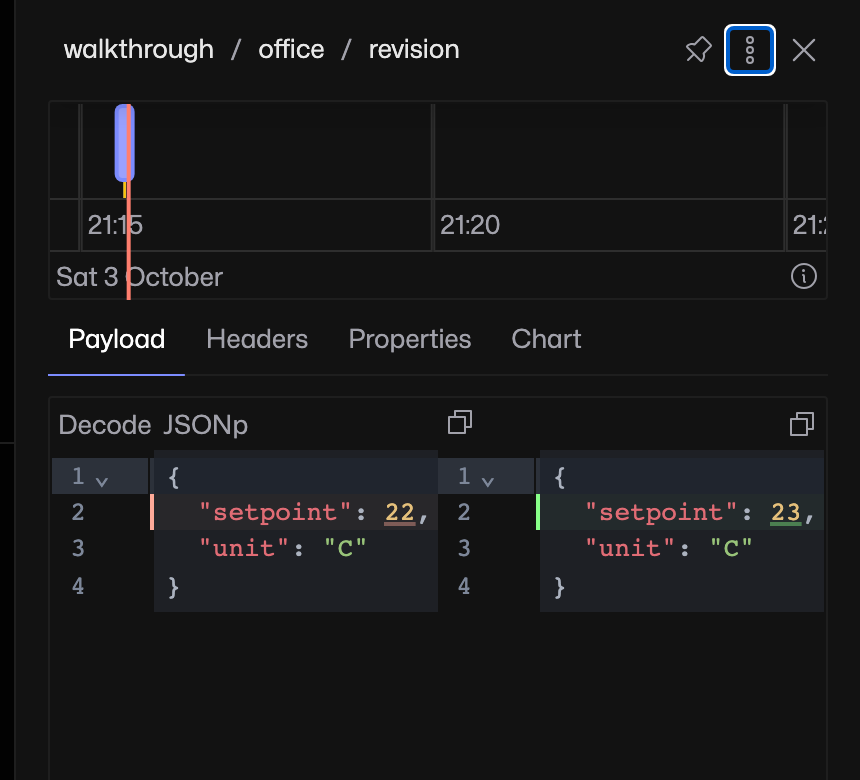
Open the topic panel’s three-dot menu and enable Compare previous message. Close the menu. The payload comparison shows what changed from the previous message to the selected one. Here the setpoint changes from 22 to 23.
3. Inspect MQTT properties
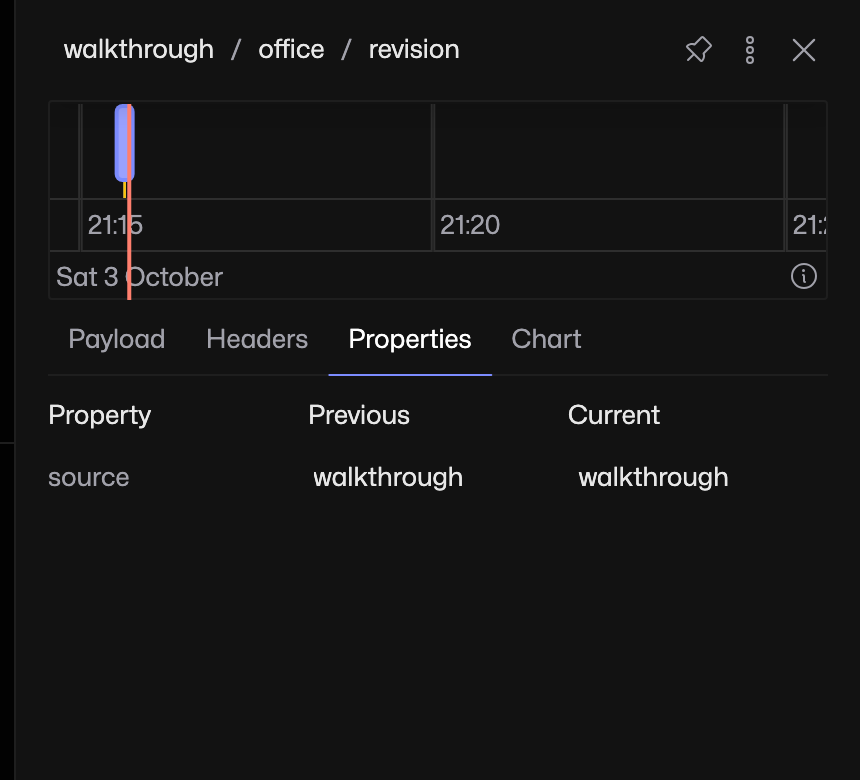
Select Properties to inspect MQTT 5 user properties. This fixture carries source with the value walkthrough. Use Headers for the message’s other MQTT properties.
If there is nothing to compare
The first received message has no predecessor. Older payloads may also have left the memory buffer. Disable Compare previous message to return to a single payload view.