MQTT topic tree
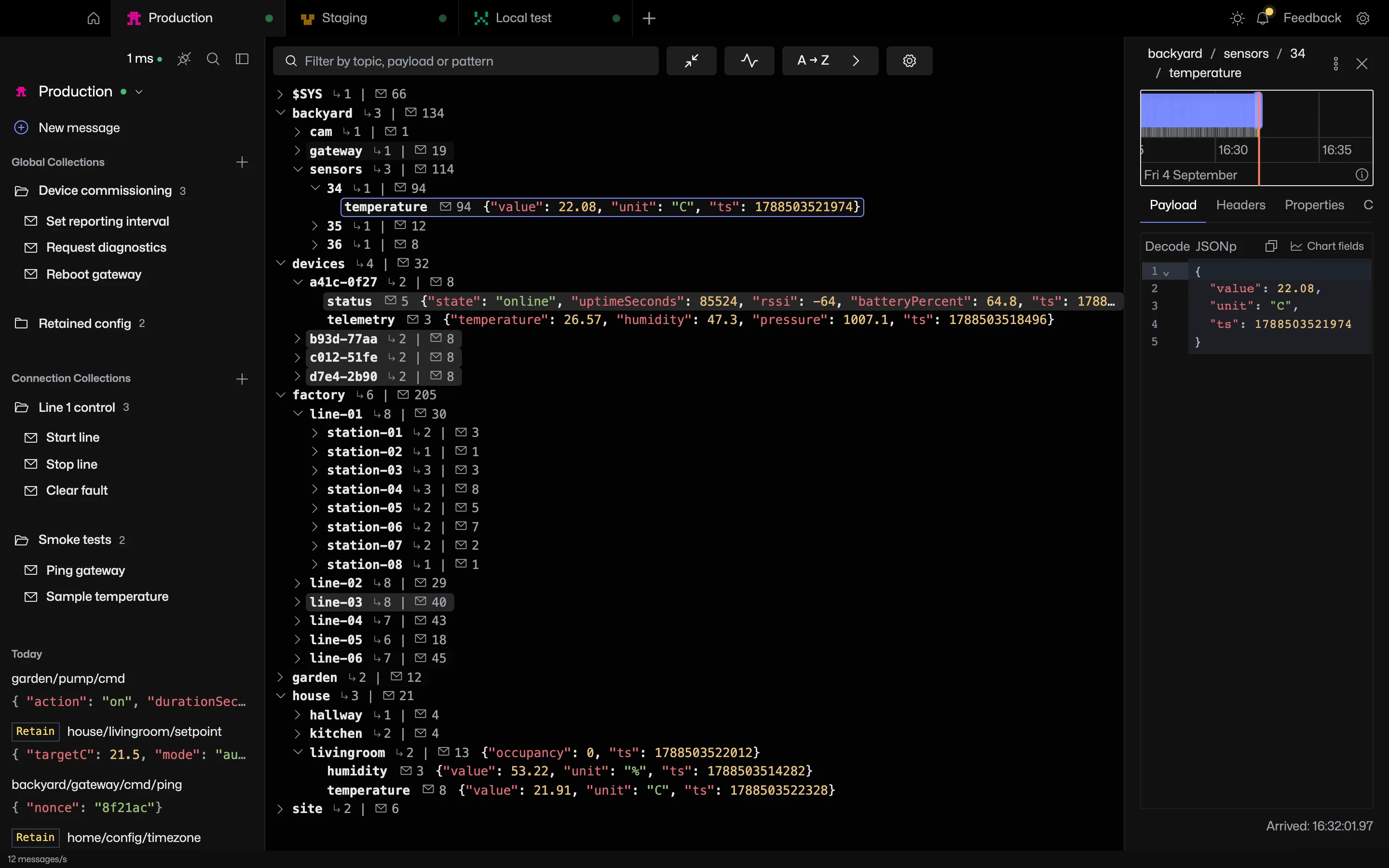
Subscribe to a wildcard and the tree fills in as messages arrive. Each row shows the topic, its message count and its last value, updated in place.
Try it in MQTT Viewer
Built for busy brokers
The tree is virtualised, so tens of thousands of topics scroll like a short list. Every release is tested against two brokers sending 2,000 messages a second each.
Counts and rates stay correct after old messages have aged out of memory.
Filter and sort
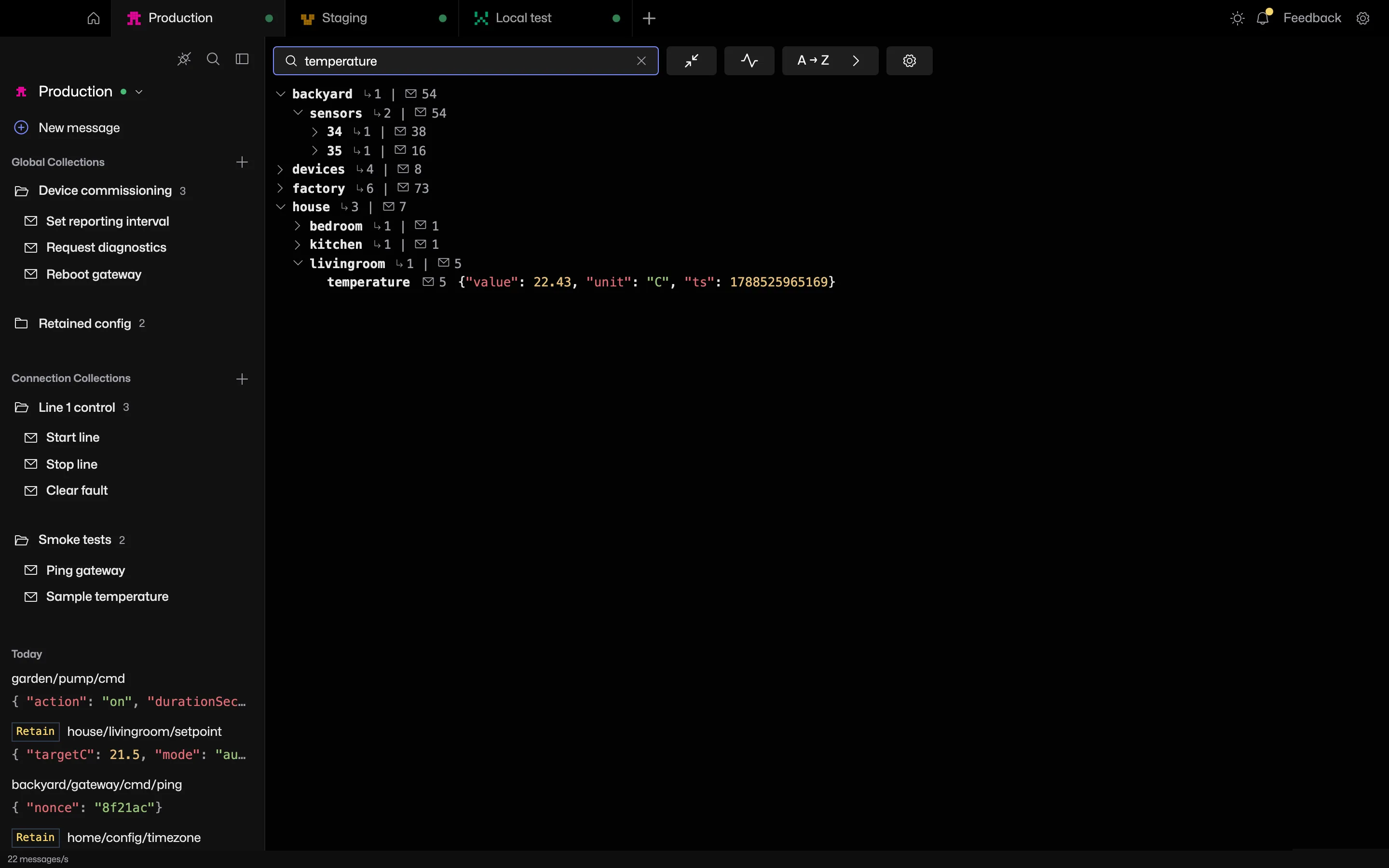
Filter the tree by topic or payload text. Filtering is a view over the tree, not a new subscription.
Sort by busiest, most messages, newest or silent.
Pin topics
Right-click a topic and pin it. Pinned topics stay at the top of the tree for that connection.
Select a topic
Click a topic to open the topic panel with its payload, timeline, diff and chart tabs.
$SYS gets a row of its own. The pulse icon above the tree opens the broker status page.
Frequently asked questions
How many topics can MQTT Viewer display?
Brokers with hundreds of thousands of topics browse normally. Under very high topic counts the least recently heard topics are trimmed first.
Does filtering the topic tree change the subscription?
Filtering only narrows what the tree shows. Nothing is sent to the broker.
Which topics does a # subscription show?
Every topic except those starting with $, such as $SYS. New connections subscribe to both # and $SYS/# by default. Test a pattern in the wildcard tester.
Related features
MQTT Viewer is free and open source, and runs on macOS, Windows and Linux.
Download MQTT Viewer