MQTT message timeline and log
Every message on the selected topic is a marker on a timeline under the payload. Drag to pan, scroll to zoom, click a marker to load it, or step through with the arrow keys.
Try it in MQTT Viewer
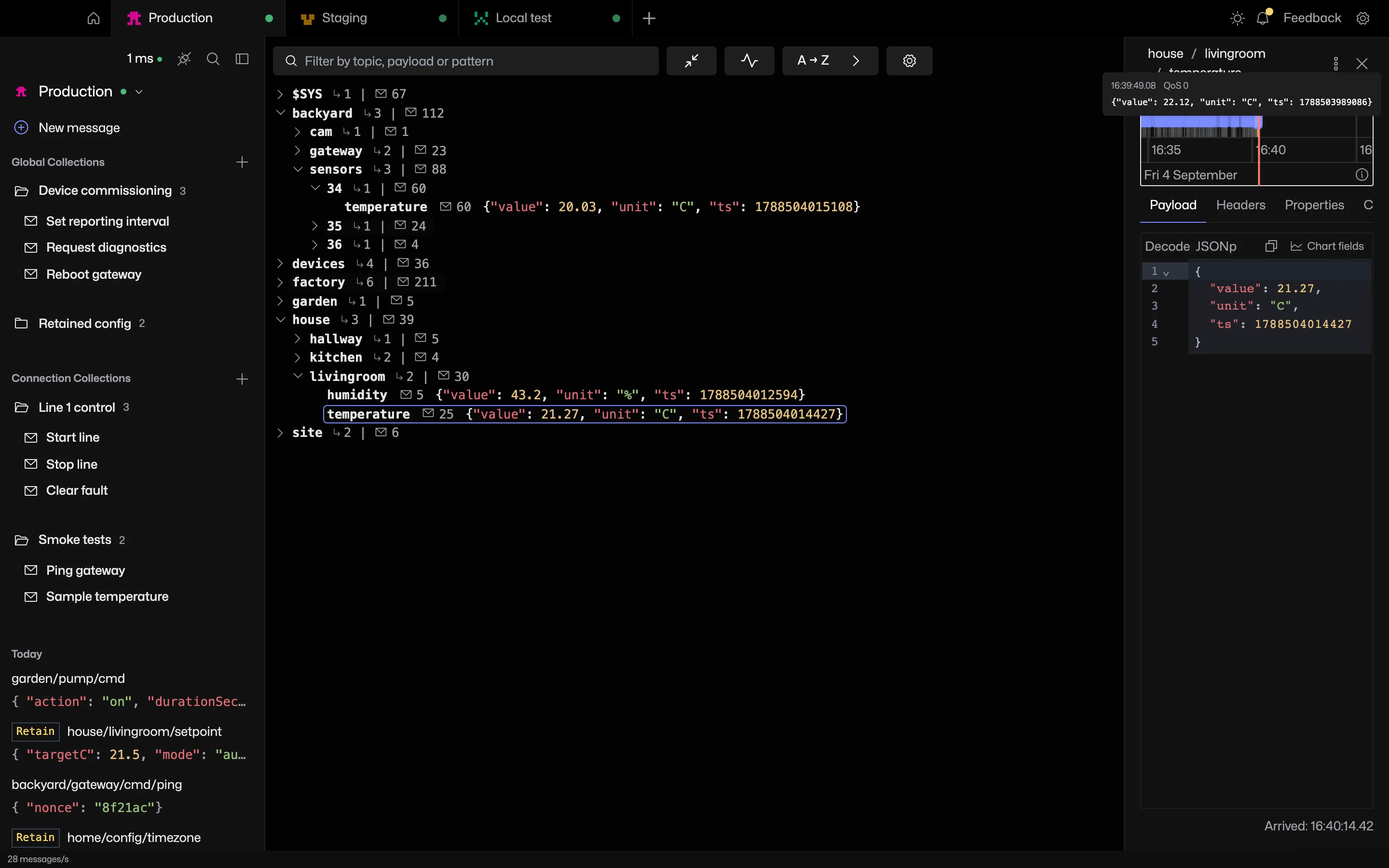
Hover to preview
Hover a marker to see the payload, arrival time, QoS and retain flag.
How far back it goes
The timeline covers everything held for the topic, bounded by the memory budget. With recording to disk on, older messages load as you scroll back.
Frequently asked questions
Can MQTT Viewer log MQTT messages?
Every message on a subscribed topic is kept in history, bounded by the memory budget, and recorded to disk when recording is on. Export message history writes a topic's log to a file.
How far back does the message timeline go?
As far as the history the app holds. Memory is bounded by a per-connection budget, 512 MB by default. With recording to disk on, history extends to the disk budget.
Related features
MQTT Viewer is free and open source, and runs on macOS, Windows and Linux.
Download MQTT Viewer