Sparkplug B and MQTT payload decoding
MQTT Viewer decodes Sparkplug B, Base64 and Hex payloads, formats JSON, and shows image payloads as images.
Try it in MQTT Viewer
Sparkplug B
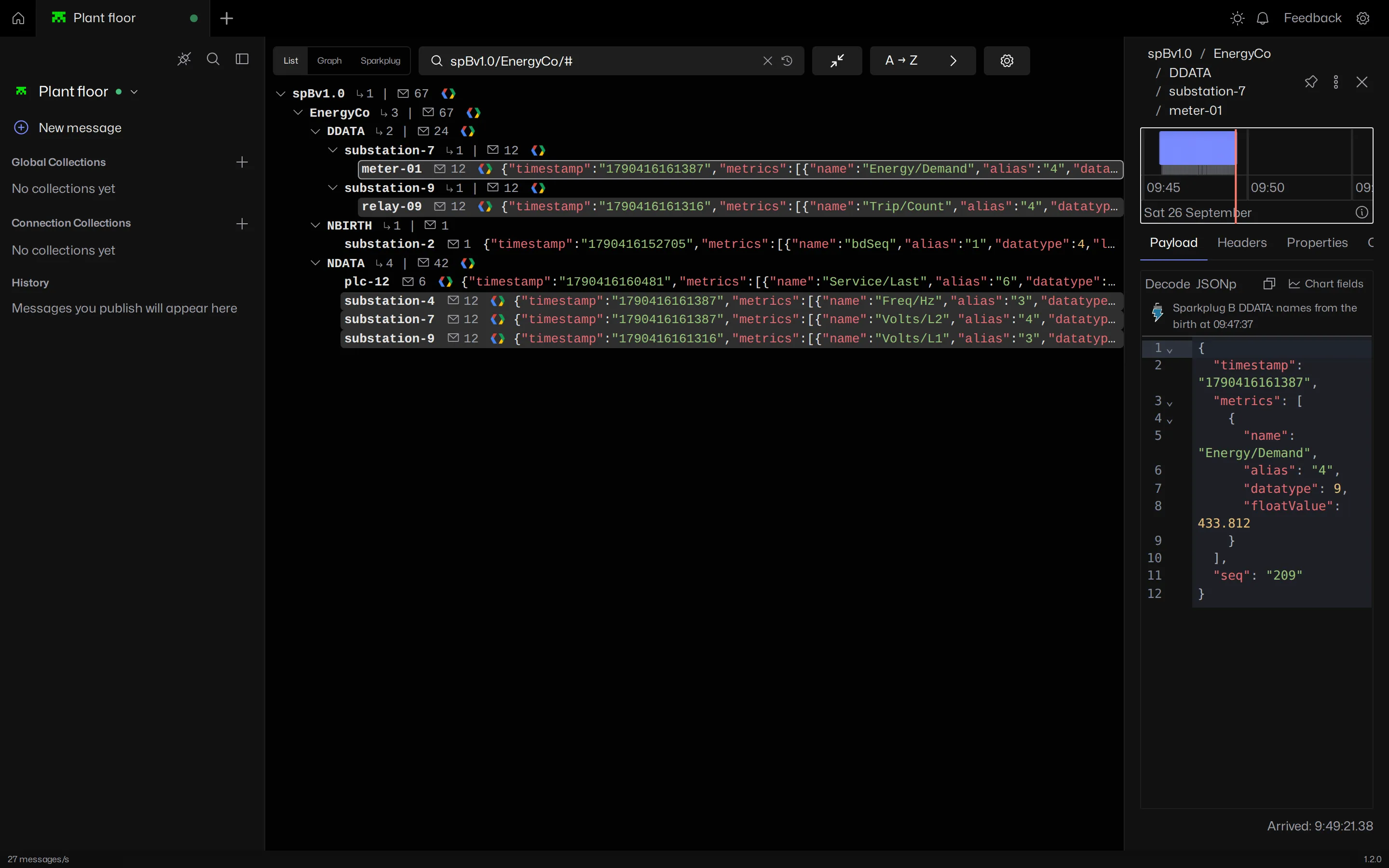
Payloads on spBv1.0/ and spAv1.0/ topics decode into their metrics, timestamps and sequence numbers. Decoded output is JSON, so it diffs and charts like any other payload.
Sparkplug B decoding is stateful. Metric names from each NBIRTH and DBIRTH are filled into the data messages that only carry aliases, and the Sparkplug view shows every group, edge node, device and metric live, with seq gaps and rebirth storms flagged.
Base64, Hex and images
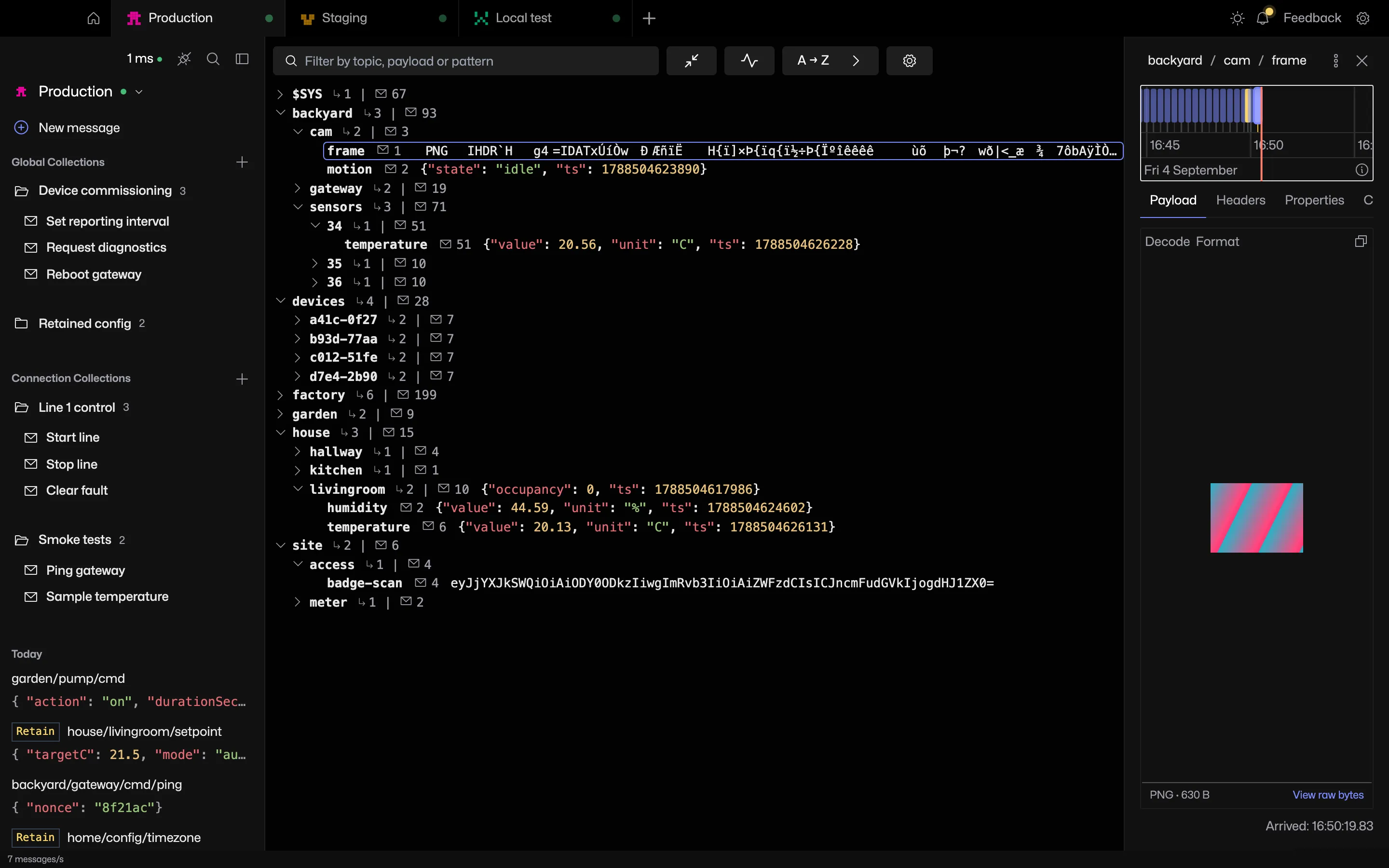
Pick Base64 or Hex from the codec selector to decode a payload in place. PNG, JPEG, GIF, WebP and BMP payloads are shown as images.
The free online payload decoder does the same job in the browser.
Frequently asked questions
Does MQTT Viewer decode Sparkplug B?
Sparkplug B and Sparkplug A payloads decode into readable JSON. For Sparkplug B, metric names from the birth are filled into data messages that only carry aliases, and the Sparkplug view shows the whole network as a live tree.
Related features
MQTT Viewer is free and open source, and runs on macOS, Windows and Linux.
Download MQTT Viewer