MQTT client logs for each connection
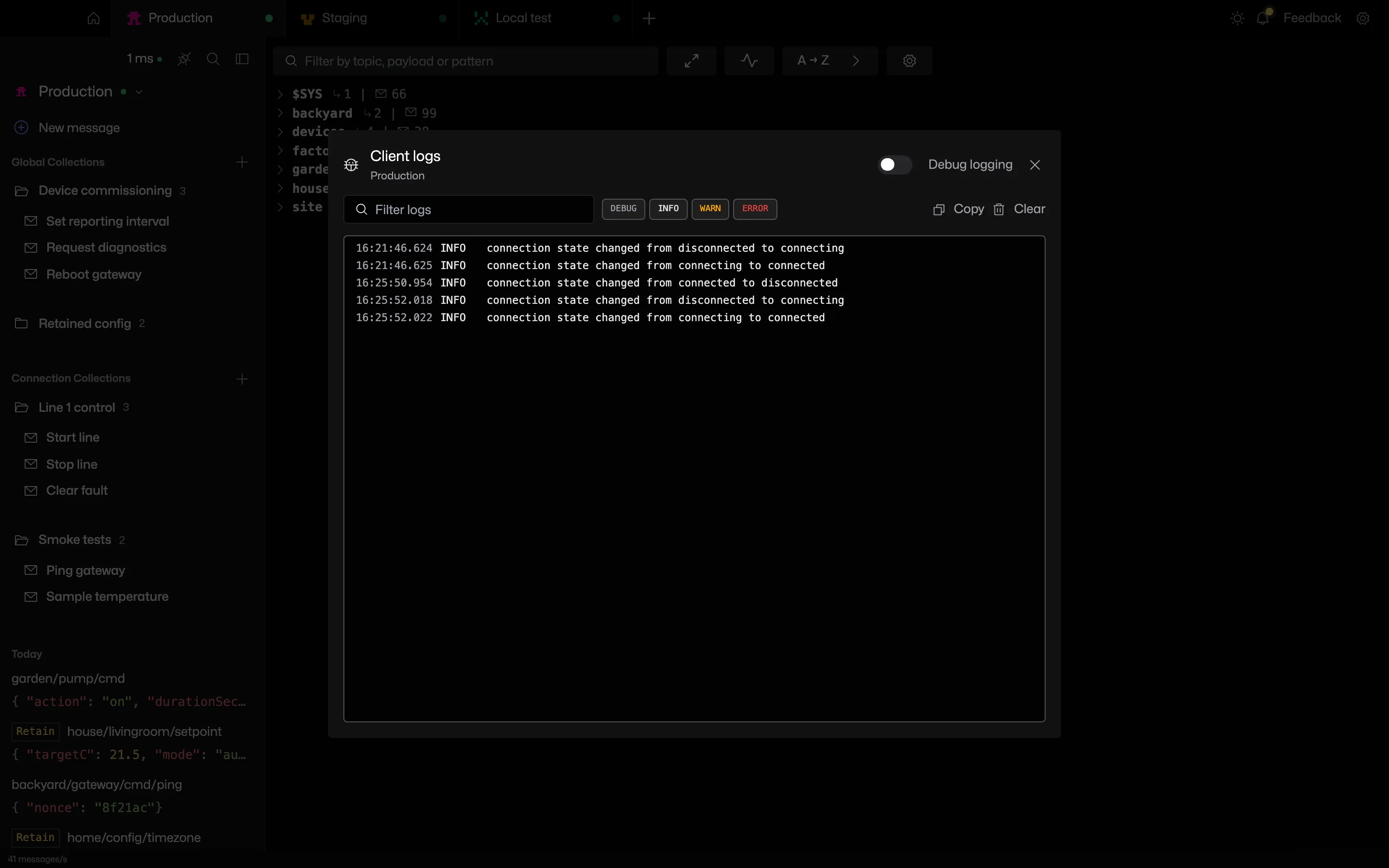
Pick View logs from a connection's menu to watch what the MQTT client library is doing on that connection.
Try it in MQTT Viewer
When a connection will not come up
The reason is usually in the client library's output. The log view shows it per connection.
Filter by level, copy or clear the log
Level chips show or hide debug, info, warning and error lines. A text filter narrows the view. Debug logging is off by default and can be turned on per connection.
Everything also goes to a rotating log file.
Frequently asked questions
Where does MQTT Viewer store client logs?
In a bounded in-memory buffer per connection, shown in the View logs dialog, and in a rotating text file in the app's data directory.
What does connection refused mean in MQTT?
The host answered but nothing accepted the connection on that port, usually a wrong port, a broker that is not running, or a firewall. Not authorised means the broker answered and rejected the credentials. The reason code is in the log.
Related features
MQTT Viewer is free and open source, and runs on macOS, Windows and Linux.
Download MQTT Viewer