MQTT connections over TCP, TLS and WebSocket
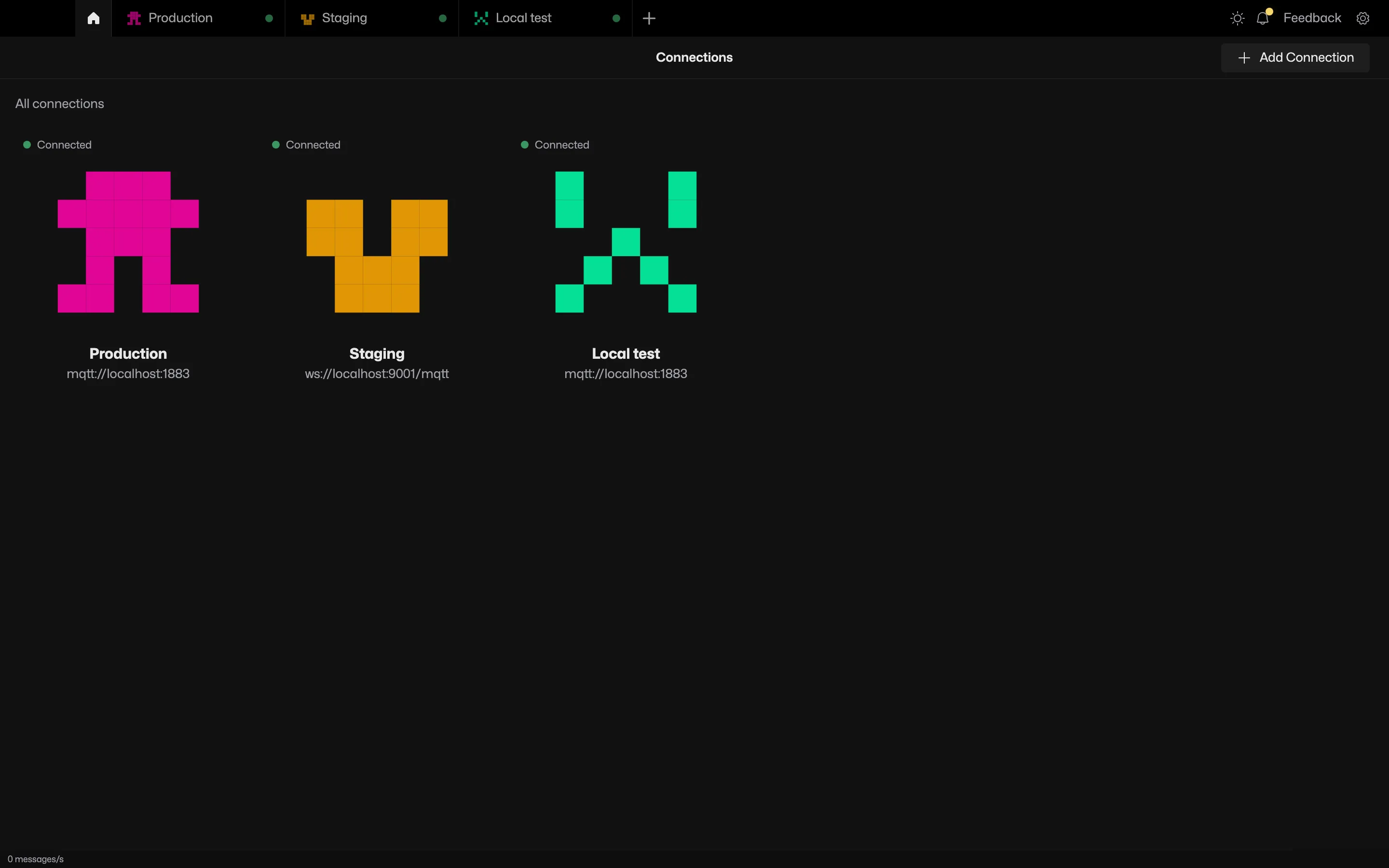
Up to 10 brokers open side by side, each in a tab with its own topic tree, history and collections.
Try it in MQTT Viewer
Protocols and security
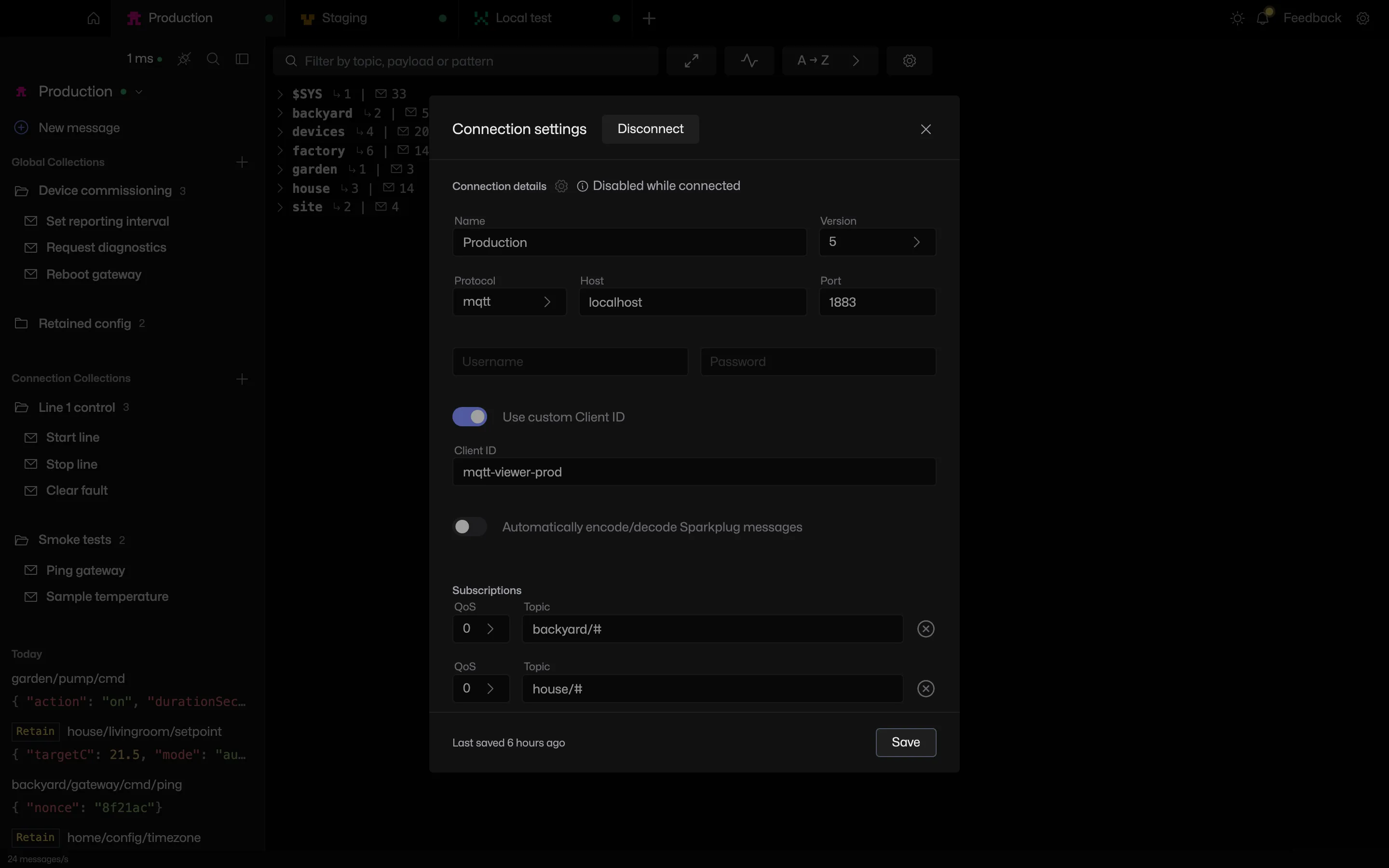
- MQTT 3.1.1 and MQTT 5.
- TCP, TLS, mutual TLS and WebSocket (ws and wss).
- Username and password, stored encrypted.
- A client ID per connection.
MQTT over TLS
Supply a CA certificate for a private authority, or a client certificate and key for mutual TLS. Certificate verification can be skipped for test brokers.
MQTT over WebSocket
Pick ws or wss, set the port and the path if the broker uses one, such as /mqtt. The MQTT ports page lists the defaults.
When a connection fails
A wrong hostname, refused port, bad credentials or a TLS failure is reported at once with a plain reason. If a broker goes silent, an MQTT 5 connection notices within about ten seconds and keeps retrying.
For anything deeper, see the client logs.
Editing a live connection
Most fields lock while connected. Connect and Disconnect sit in the dialog header, so a connection can be dropped, changed and brought back without leaving it. Changes save as you type.
Frequently asked questions
How many brokers can MQTT Viewer connect to at once?
Up to 10, each in its own tab with separate history, subscriptions and collections.
Does MQTT Viewer support WebSocket with a path?
WebSocket and secure WebSocket connections are supported, including brokers that expose MQTT on a path such as /mqtt.
Which ports does MQTT use?
1883 for plain MQTT, 8883 for MQTT over TLS. WebSocket ports vary by broker, commonly 8080 and 8081. The cheat sheet lists them.
Related features
MQTT Viewer is free and open source, and runs on macOS, Windows and Linux.
Download MQTT Viewer