Publish MQTT messages
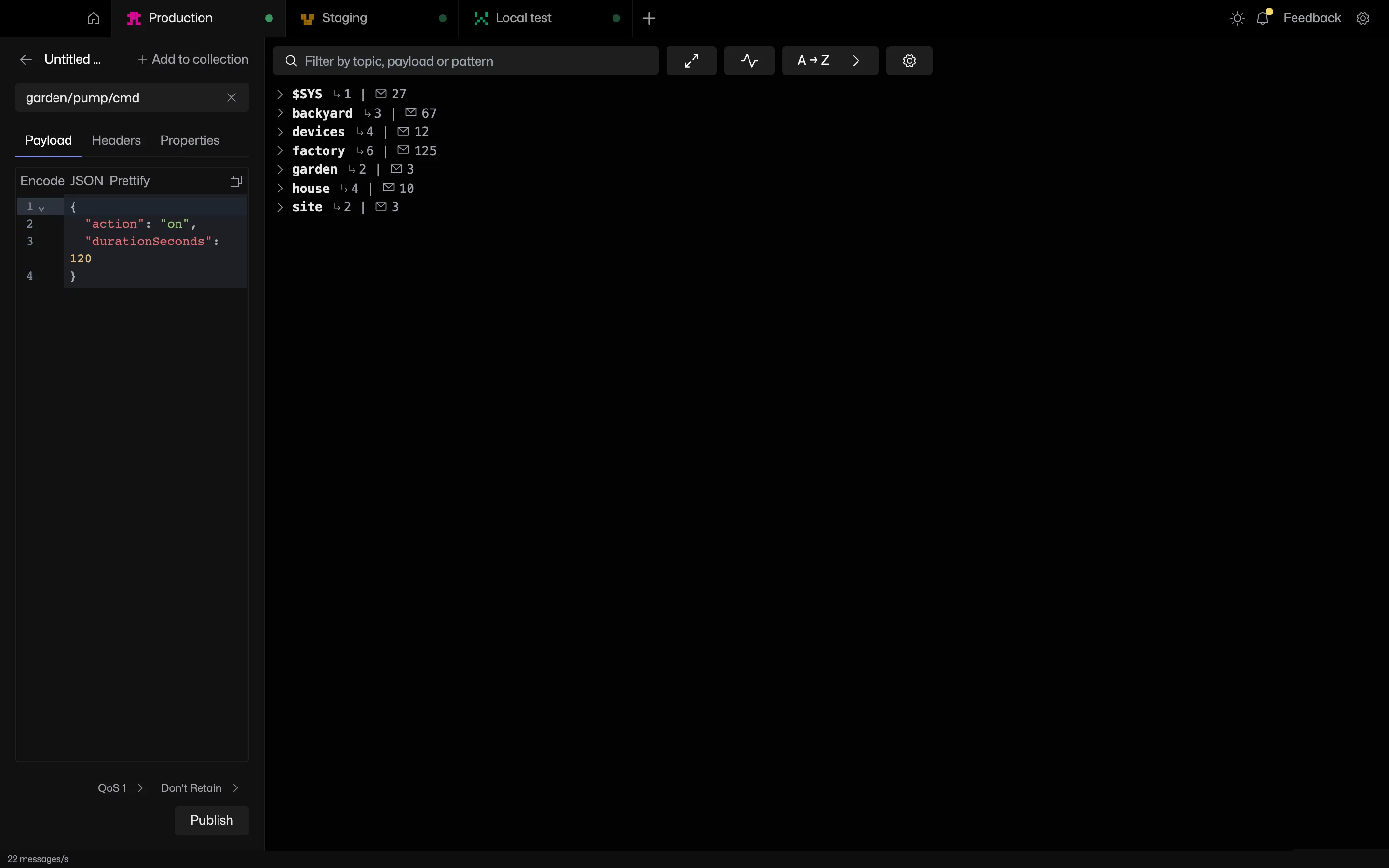
Publish with a topic, payload, QoS, retain and MQTT 5 properties. Everything sent lands in a searchable history, ready to send again.
Try it in MQTT Viewer
Payload formats
JSON is formatted and highlighted as you type. Encode the payload as Sparkplug B, Base64 or Hex before sending. The same codecs decode incoming messages.
MQTT 5 properties
Content type, response topic, correlation data, message expiry and user properties. Received messages show their properties in the topic panel.
Publish history
The last 500 sent messages are kept per connection, grouped by day. Open an entry to edit and resend, or drag it into a collection to keep it.
Frequently asked questions
Can MQTT Viewer publish retained messages?
Tick Retain in the publish view and the broker stores the message for future subscribers. To remove one, publish an empty payload with Retain ticked, or use Clear retained message in the topic menu.
Related features
MQTT Viewer is free and open source, and runs on macOS, Windows and Linux.
Download MQTT Viewer