Publish an MQTT message
Send a JSON temperature reading to your broker, then check the received message in MQTT Viewer.
Before you start
Open a connected broker in MQTT Viewer. Use a test broker where you can publish to walkthrough/office/temperature. In the connection's Subscriptions, include walkthrough/# or # so the message comes back to this connection.
1. Start a message
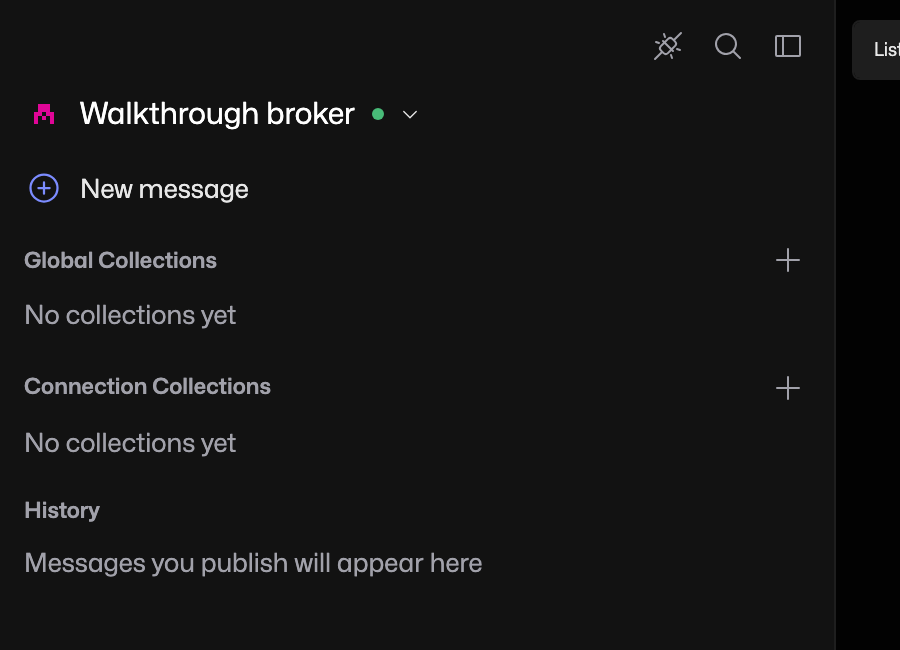
In the connection sidebar, click New message.
2. Enter the topic and payload
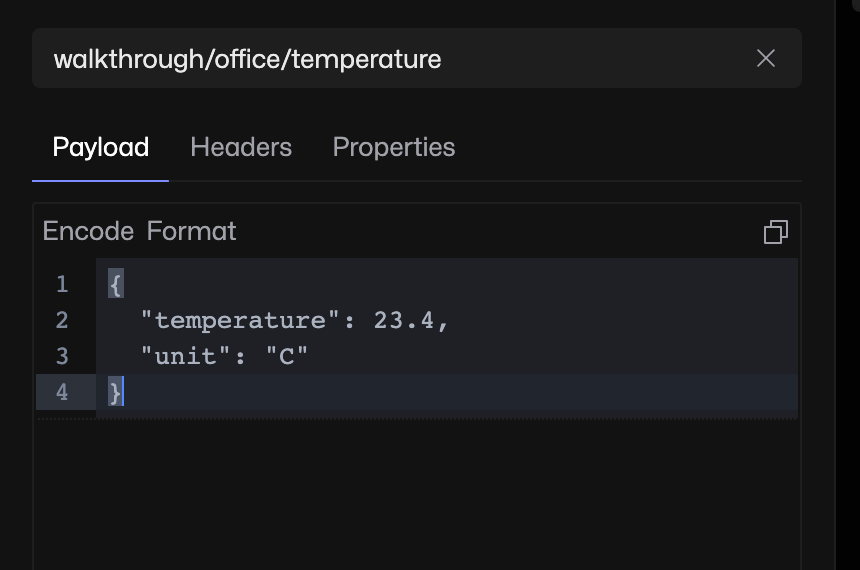
In Enter a topic, type walkthrough/office/temperature. In the Payload tab, replace the editor contents with:
{
  "temperature": 23.4,
  "unit": "C"
}
3. Publish the message
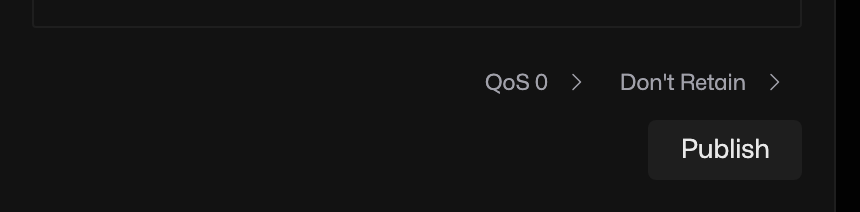
Leave QoS 0 and Don't Retain selected, then click Publish.
These settings send the reading without asking the broker to keep it for future subscribers.
4. Check it arrived
In List, expand walkthrough, then office. Select temperature to see the received payload in the topic panel.
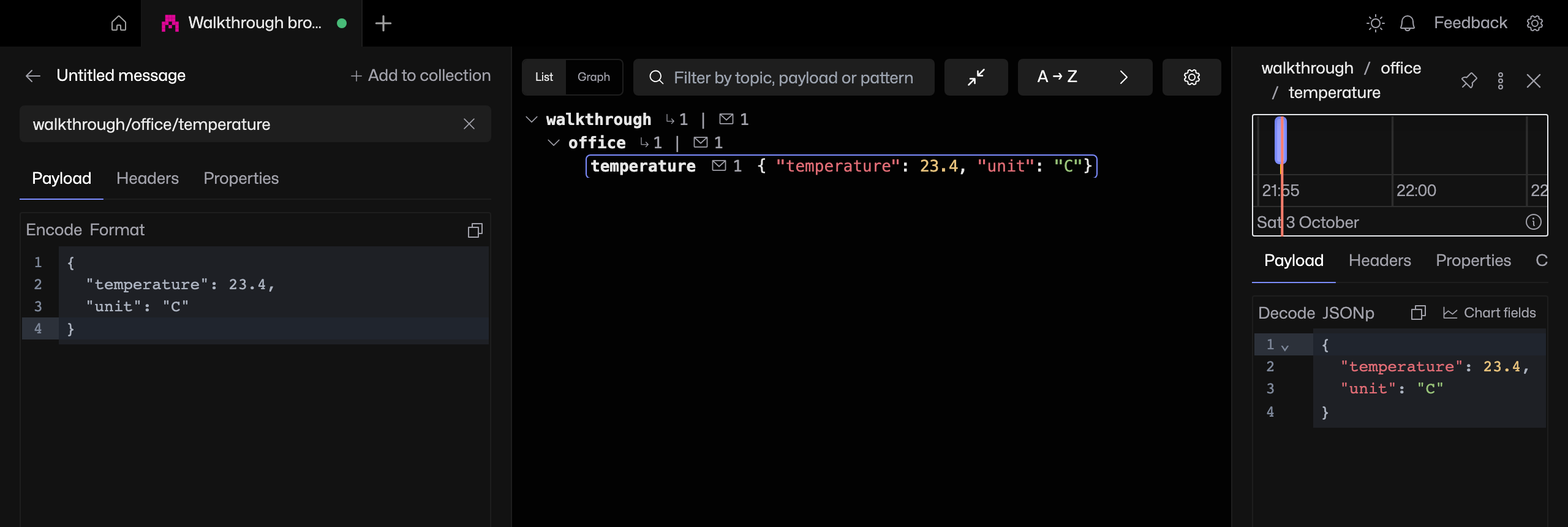
You should see "temperature": 23.4 and "unit": "C". The sent message is also saved in History, ready to edit and send again.
If the message does not appear
Check the connection is still connected, clear the tree filter and check the subscription matches the topic. No matching subscription means you can publish, but this connection will not receive that topic. Check your broker permissions if publishing fails.