MQTT web client in Docker and Home Assistant
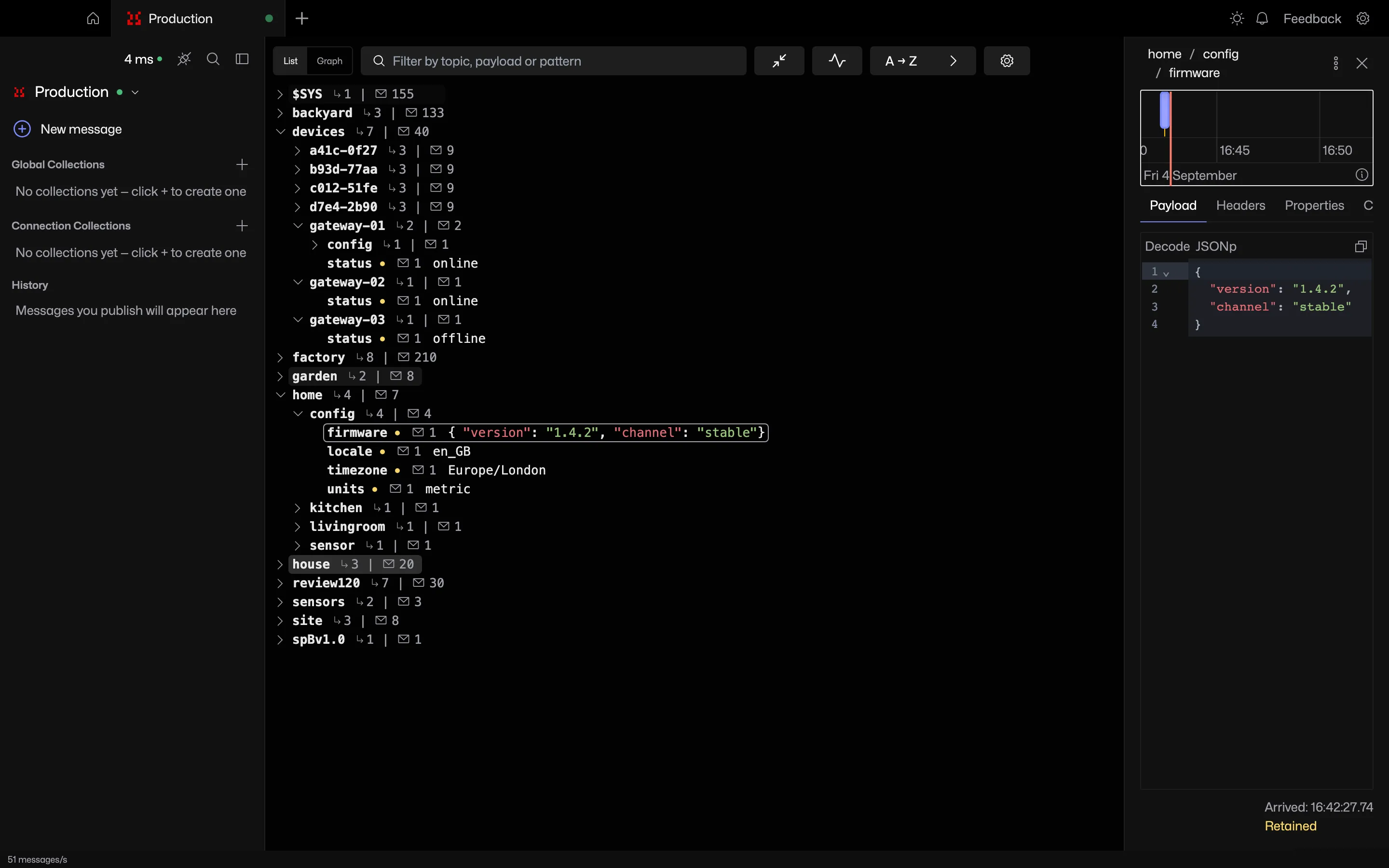
The Docker image serves the whole app to a browser, except the broker status page. A Home Assistant add-on packages the same image.
Try it in MQTT Viewer
Docker
The image is multi-arch, runs as a non-root user and keeps everything under a /data volume. Start it and open port 8080:
docker run -d --name mqtt-viewer \
  -p 127.0.0.1:8080:8080 \
  -v mqtt-viewer-data:/data \
  ghcr.io/mqtt-viewer/mqtt-viewer:latest
Docker Compose
Tags follow the app version, so 1.1 tracks the latest 1.1.x release.
services:
  mqtt-viewer:
    image: ghcr.io/mqtt-viewer/mqtt-viewer:latest
    container_name: mqtt-viewer
    ports:
      - "127.0.0.1:8080:8080"
    volumes:
      - mqtt-viewer-data:/data
    restart: unless-stopped
volumes:
  mqtt-viewer-data:
What changes in a browser
- Exports download through the browser.
- Chart pop-outs open as tabs. Reopening a chart focuses its tab.
- Certificates for mutual TLS are mounted into the container and given as paths.
- The app can be served under a path prefix behind a reverse proxy.
- New versions show the
docker pullcommand instead of updating in place.
Home Assistant add-on
- Add
https://github.com/mqtt-viewer/home-assistant-addonas an add-on repository. - Install MQTT Viewer from the add-on store and open the web UI.
- Connect to the Mosquitto add-on at host
core-mosquitto, port 1883. - Data survives updates, which arrive through the add-on store.
There is no login screen
The web UI has no authentication. Anyone who can reach the port can use the saved connections and read saved broker passwords. The command above binds to localhost only. For access from other devices, use a trusted network or an authenticating reverse proxy. The Docker documentation has a Caddy example.
Frequently asked questions
Does MQTT Viewer have a web version?
The same app ships as the Docker image ghcr.io/mqtt-viewer/mqtt-viewer, serving everything except the broker status page to a browser. A Home Assistant add-on packages it for Home Assistant OS and Supervised installs.
Is the MQTT Viewer web UI password protected?
There is no built-in login. Keep it on localhost or a trusted network, or put an authenticating reverse proxy in front.
How do you run an MQTT client inside Home Assistant?
Add https://github.com/mqtt-viewer/home-assistant-addon as an add-on repository, install MQTT Viewer from the store and open its web UI. It connects to the Mosquitto add-on at core-mosquitto.
Related features
MQTT Viewer is free and open source, and runs on macOS, Windows and Linux.
Download MQTT Viewer