Clear a retained MQTT message
Remove a broker’s stored value for one topic.
Before you start
Use a test broker and a retained topic you are authorised to clear. This action changes shared broker state and cannot be undone unless you publish the value again.
1. Find the retained topic
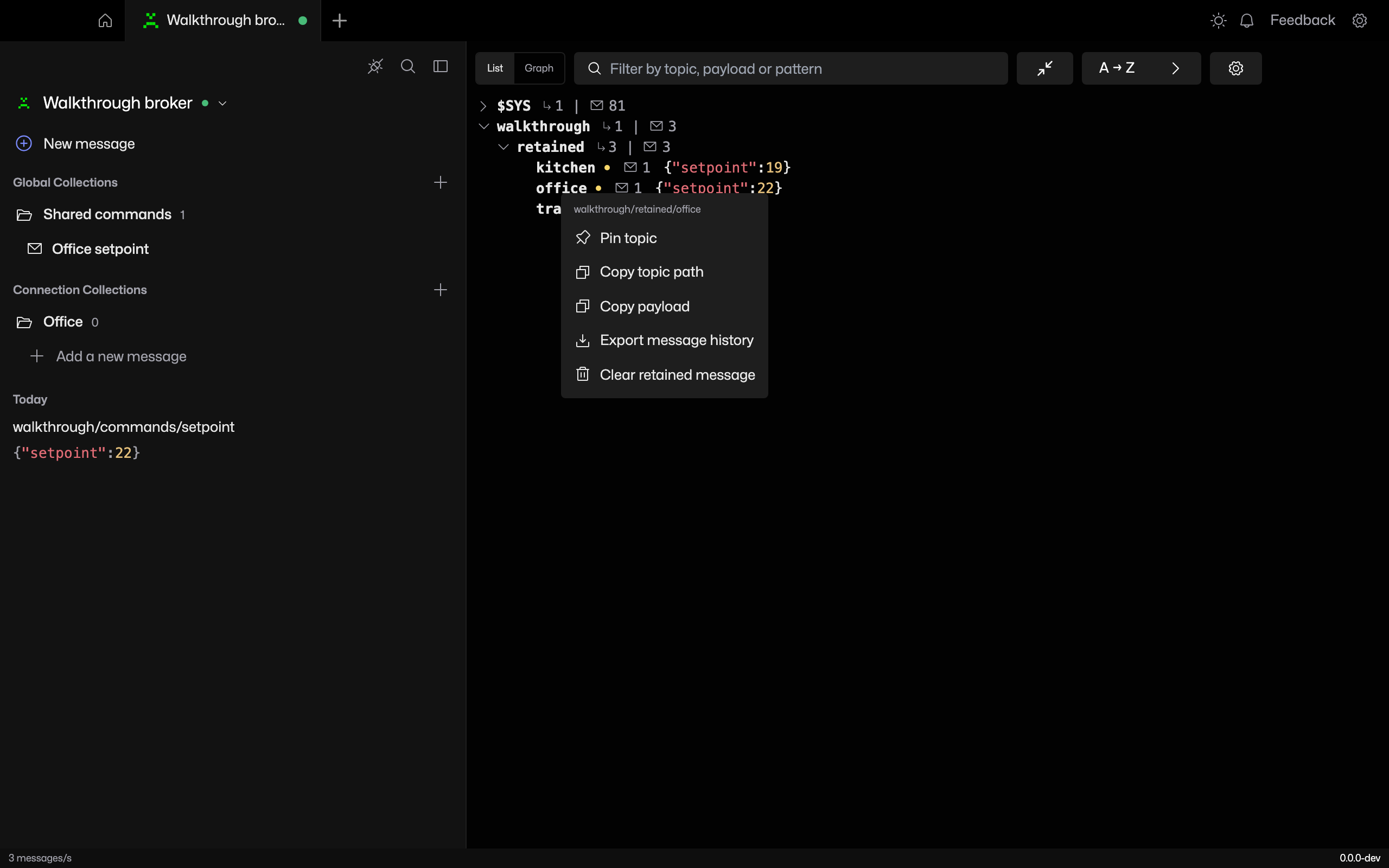
Connect with a subscription matching the topic. In List, expand its branch and right-click the topic whose retained value you want to remove.
2. Confirm the topic
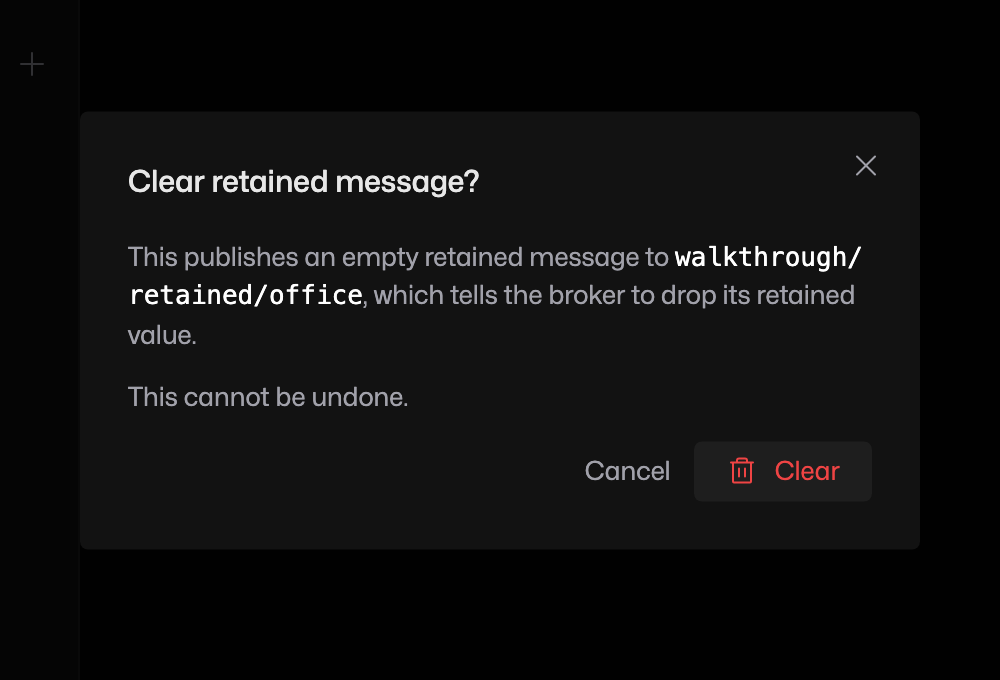
Choose Clear retained message. Read the topic in the confirmation, then click Clear. MQTT Viewer publishes an empty retained message to that exact topic.
3. Check with a fresh subscription
Reconnect a separate client and subscribe to the topic. The old retained payload should no longer arrive. Existing message history may still show earlier messages; that history is separate from the broker’s retained storage.
If clearing is unavailable or the value returns
The action requires a retained value known to this client. Reconnect with a matching subscription to receive the broker’s retained values. If another publisher keeps sending retained updates, it can restore the value after you clear it. Clearing a branch only covers retained topics known to this client.